What is Workflow Automation Software?
Table Of Content
Published Date :
22 Dec 2025
Manual processes can drain the productivity of any business as they take more time and delay decision-making. Margins tighten as the operations can’t keep up; in addition, fragmented tools only make it worse. One system for finance, another for HR. A spreadsheet somewhere that only a few team members understand. When people become the process, growth slows down automatically.
This is where the conversation around what is workflow automation software usually starts, not as a tech trend, but as a response to operational pressure. Businesses are realizing that automation isn’t about replacing people, but about making teams more productive, decision-making easier, and operations more efficient. About making sure work moves forward even when teams are busy, approvals are pending, or volumes spike unexpectedly.
Workflow automation is no longer treated as an IT upgrade. Leaders now look at it the same way they look at cost control, risk management, or scalability. Because when workflows run smoothly, everything else tends to follow.
This blog explains the role of workflow automation in business, challenges companies face without automation, its benefits, key features and use cases.
See how workflow automation can simplify your operations!
Talk to our experts and identify where automation can remove delays, reduce risk, and improve visibility across your business.
What Is Workflow Automation?
At its core, workflow automation is about taking repeatable business processes and giving them structure, logic, and momentum. From an operational point of view, it replaces informal hand-offs with well-defined steps. It also reduces delays, errors, and dependency on individuals to keep work moving.
Many leaders confuse this with simple task automation. There’s a difference. Automating a task might send an email or update a record. Workflow automation manages the full journey. Who reviews what? When approvals happen. What changes if something is delayed? And who is accountable at each stage?
Behind the scenes, workflow engines do the heavy lifting. They coordinate approvals, manage handovers between teams, and create a clear audit trail. Nothing gets lost. Nothing sits idle without visibility. That’s the real value. Control without micromanagement.
And once businesses see this in action, expectations change. Suddenly, waiting feels unnecessary.
How Workflow Automation Works?
Workflow automation begins by taking everyday business activities and turning them into structured, predictable flows that teams can rely on without constant follow-ups. A process is first mapped end-to-end, including who initiates it and what outcomes are expected at each stage. This step often exposes gaps that teams have learned to work around but never formally fixed.
Well-Defined Workflow
Once the flow is defined, rules are added to guide decisions and timing. Approval limits, escalation paths, and conditions are clearly set, so work does not stall when someone is unavailable. For example, if an invoice crosses a certain value or remains unapproved for two days, the system knows exactly what to do next.
Integration with Systems
Automated workflows connect with existing tools such as finance systems, HR platforms, and operational databases, allowing data to move without re-entry or manual checks. This reduces errors and keeps records consistent across departments.
Real time Visibility
As workflows run, managers gain real-time visibility through dashboards and alerts that highlight progress, delays, and exceptions. Instead of asking for updates, leaders can see the status instantly and intervene only when needed. Over time, these insights help refine processes, making them faster and more reliable with each cycle.
Challenges Workflow Automation Solves
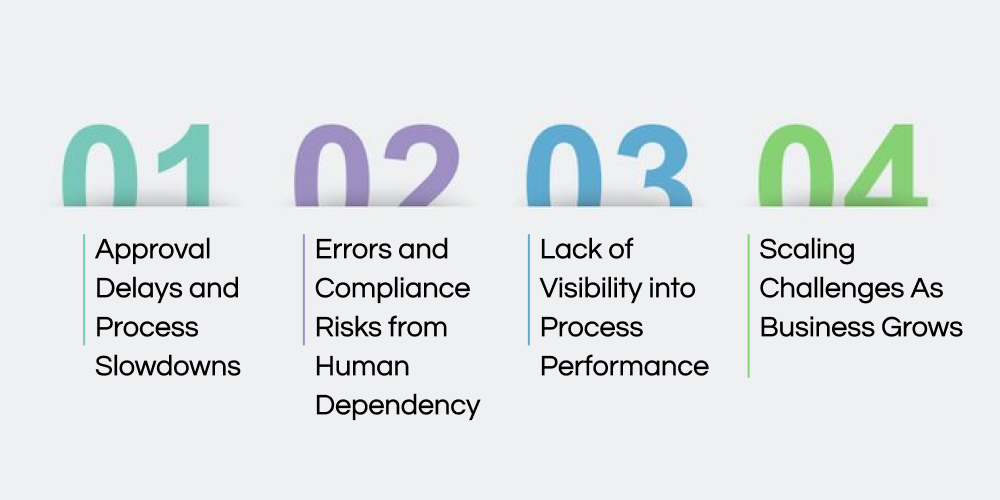
The need for workflow automation arises when companies face problems like manual tasks, slow processes, the possibility of errors, and a lack of visibility that impact the overall productivity and efficiency. Implementing workflow automation solves all such problems to make the processes efficient and helps make faster business decisions at the right time.
Approval Delays and Process Slowdowns
Many operational issues begin with small approval delays that repeat daily across departments and slowly erode productivity. Email-based coordination depends heavily on people noticing messages, responding on time, and remembering context. As workloads increase, these approvals stack up, creating invisible queues that slow decisions and interrupts teams waiting to move forward.
Errors and Compliance Risks from Human Dependency
Manual handling introduces risk even in well-run organizations with experienced staff. Data gets re-entered across systems, steps are skipped, and checks rely on memory instead of process control. Over time, these gaps lead to reporting issues, audit findings, and avoidable financial exposure.
Lack of Visibility into Process Performance
When data is stored in inboxes and spreadsheets, leaders lose visibility into where work actually stands. Managers sense delays but cannot pinpoint where processes break down or who is overloaded. Without clear insights, improvement efforts become reactive, driven by complaints instead of data.
Scaling Challenges As Business Grows
Processes that work for small teams often fail quietly as volumes increase and responsibilities spread. What once felt manageable becomes fragile when more people, approvals, and transactions are involved. Without structure, growth introduces inconsistency, confusion, and operational stress, distracting leadership from strategy.
Build workflows that scale with your business!
Discover how AI-enabled workflow automation can support growth, governance, and performance as complexity increases.
Benefits of Workflow Automation
Nobody prefers using a technology or tool without diving into its benefits. Here are the key benefits of workflow automation that businesses can reap and feel the difference within a few weeks of using these tools.
Faster Execution Across Core Business Processes
When workflows are automated, work moves forward without waiting for reminders, follow-ups, or manual nudges. Approvals reach the right people automatically, tasks trigger at the right time, and delays become exceptions instead of the norm. This speed compounds across departments, shortening cycle times that once stretched into days or weeks.
Reduced Operational Costs Without Expanding Teams
Automation removes repetitive coordination work that quietly consumes employee time every day. Teams spend fewer hours tracking status, correcting errors, or re-entering information across systems. Over time, this translates into lower operating costs and better output from existing staff, without the pressure to hire just to keep up.
Improved Accuracy And Process Consistency
Automated workflows follow defined rules every single time, regardless of workload or urgency. This consistency reduces mistakes caused by manual handling and ensures that critical steps are never skipped. For leadership, this means fewer surprises during audits, reviews, or financial reconciliations.
Stronger Accountability And Ownership
Clear workflow structures assign responsibility at every stage, removing confusion around who owns what. Tasks are traceable, decisions are logged, and accountability becomes part of the process rather than an afterthought. Managers no longer need to chase updates because the system provides clarity by design.
Better Decisions Through Real-Time Visibility
With automation, leaders gain immediate insight into process performance, delays, and workloads. Instead of relying on status meetings or assumptions, decisions are backed by live operational data. This visibility supports faster course correction and smarter prioritization when pressure builds.
As these benefits stack up, operations start supporting growth instead of slowing it down.
Key Features That Matter To Business Leaders
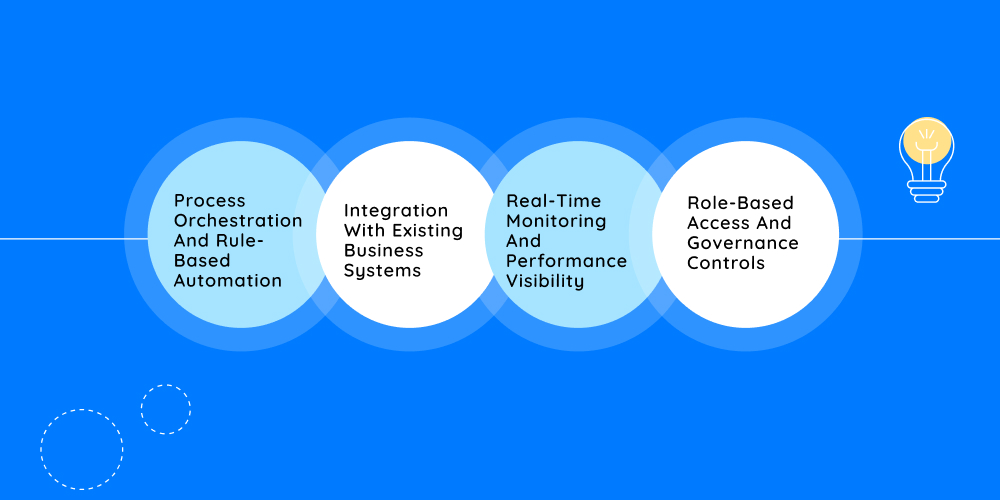
Not all workflow platforms deliver the same value, and business leaders usually feel the difference very quickly. The features below are not about technical depth or flashy dashboards. They focus on control, visibility, and reliability in day-to-day operations. Each one directly affects how smoothly work moves across teams and how confidently leaders can scale.
Process Orchestration And Rule-Based Automation
Strong workflow systems manage entire processes, not just isolated steps or actions. They coordinate multi-stage workflows across departments, ensuring tasks move forward in the right order and at the right time. Rules define approval limits, escalation paths, and fallback actions so progress does not depend on someone remembering what comes next.
This orchestration brings discipline into operations without adding bureaucracy. Teams follow the same logic every time, even during peak workloads. That consistency reduces friction and makes outcomes predictable.
Integration With Existing Business Systems
Automation only works when it fits into the systems businesses already rely on. Effective platforms connect smoothly with ERP, CRM, HRMS, finance tools, and even older legacy software. This integration allows data to flow automatically instead of being copied between systems.
The result is fewer errors, cleaner records, and less frustration for teams who no longer need to enter the same information twice. On top of that, workflows feel natural instead of disruptive.
Real-Time Monitoring And Performance Visibility
Business leaders need clarity, not status meetings. Real-time dashboards show where work stands, how long tasks take, and where delays are building. This visibility turns operational blind spots into measurable insights.
Over time, these insights highlight patterns that help teams optimize processes instead of constantly reacting to issues. Decisions become informed, not instinct-driven.
Role-Based Access And Governance Controls
As workflows touch sensitive data and critical decisions, access control becomes essential. Role-based permissions ensure that only the right people can view, approve, or modify specific steps. Every action is logged, creating a reliable audit trail.
This structure supports internal controls and regulatory requirements while also protecting accountability. Nothing happens in the dark, and leadership gains confidence in process integrity.
At DITS, these capabilities are strengthened further by embedding AI into software development, quality assurance, code quality checks, and ongoing customization. By integrating AI into every solution we build, workflows remain adaptive, resilient, and aligned with evolving business needs.
Role of AI in Workflow Automation Software
Artificial Intelligence plays a critical role in transforming traditional workflow automation software into intelligent, self-improving systems. Instead of relying only on predefined rules, AI enables workflows to learn from data, adapt to changing conditions, and support faster, more accurate decision-making across business operations.
Intelligent Task Automation and Decision Support
AI enhances workflow automation by analyzing historical and real-time data to automate complex tasks that typically require human judgment. It can prioritize tasks, recommend next actions, and make context-aware decisions, reducing manual intervention and improving process consistency.
Predictive Insights and Process Optimization
With AI-driven analytics, workflow automation software can predict bottlenecks, identify inefficiencies, and forecast outcomes before issues occur. This allows businesses to proactively optimize workflows, allocate resources more effectively, and reduce delays or operational risks.
Continuous Learning and Adaptive Workflows
AI enables workflows to continuously learn from user behavior, outcomes, and performance data. Over time, the system refines automation logic, adapts to new business rules, and improves accuracy, helping organizations scale operations without constantly redesigning processes.
Turn manual processes into predictable outcomes!
Let’s design workflow automation that brings control, clarity, and momentum to your operations.
Workflow Automation Use Cases
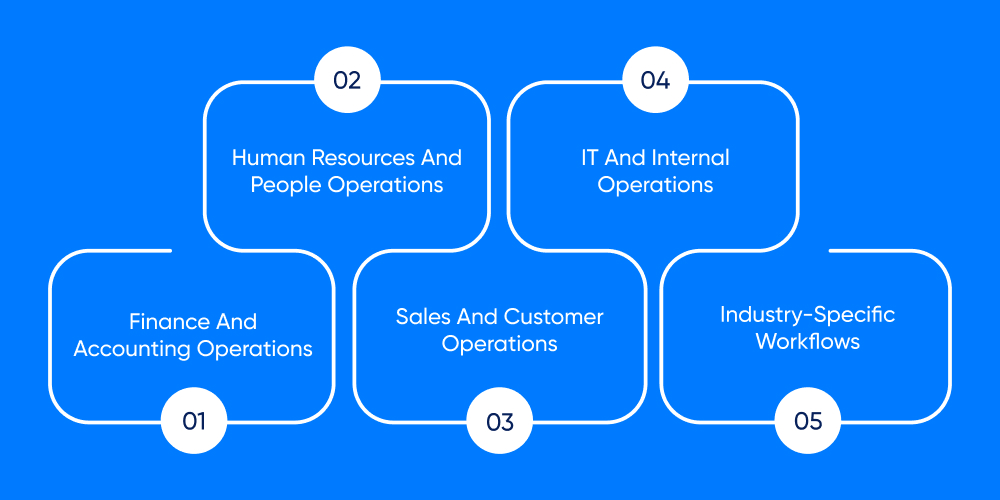
Workflow automation becomes most valuable when it is applied to areas where delays, handovers, and approvals directly affect revenue, compliance, or customer experience. These use cases reflect where businesses typically see impact first, often within the initial few months of implementation.
Finance And Accounting Operations
Finance teams deal with high volumes, strict controls, and little room for error. Automated workflows manage invoice approvals, payment cycles, expense reviews, and reconciliations with defined rules and timelines. Instead of chasing sign-offs, finance leaders gain predictable cash flow visibility and cleaner audit trails.
Human Resources And People Operations
Employee-related processes often involve multiple stakeholders and repeated follow-ups. Onboarding, leave approvals, policy acknowledgements, and internal requests move faster when workflows guide each step. This consistency improves employee experience while reducing administrative load on HR teams.
Sales And Customer Operations
Sales teams lose momentum when approvals or contract reviews stall. Automated workflows route leads, manage deal approvals, and trigger follow-ups without manual coordination. In customer-facing processes, workflows combined with AI Chatbot development can handle routine requests, escalate issues intelligently, and ensure service teams stay responsive during peak demand.
IT And Internal Operations
IT teams rely on structured workflows for incident handling, access requests, and change management. Automation ensures requests follow defined paths, approvals are tracked, and response times remain consistent. This reduces operational noise and helps IT teams focus on stability rather than firefighting.
Industry-Specific Workflows
Certain sectors require tighter controls, documentation, and traceability. In regulated environments such as Healthcare software development, workflow automation supports approvals, compliance checks, and data handling processes that must remain consistent and auditable. These workflows protect both operations and reputation.
When applied thoughtfully, these use cases create momentum across the organization.
Conclusion
As businesses grow, complexity increases, whether leaders plan for it or not. Manual coordination may work for a while, but it eventually becomes a bottleneck that limits speed, accuracy, and control. Workflow automation addresses this challenge by creating a structure where chaos tends to creep in.
The right automation approach improves efficiency, strengthens accountability, and supports scale without adding operational strain. It allows teams to focus on decisions that matter instead of chasing updates. For organizations already investing in IT consulting services, automation becomes a natural next step in building resilient operations.
When workflows run smoothly, leadership gains confidence. And confidence drives better decisions.
FAQs
Which Business Processes Should Be Automated First?
Business owners usually start with processes that create frequent delays, require repeated approvals, or involve high manual effort. Common examples include invoice approvals, employee onboarding, service requests, and internal compliance workflows. Automating these areas delivers quick operational relief and visible returns.
Is Workflow Automation Suitable For Mid-Sized Businesses?
Workflow automation is highly suitable for mid-sized organizations that are growing faster than their internal processes. When teams expand and workloads increase, automation provides structure without adding management overhead. It helps businesses scale smoothly while maintaining consistency and control.
How Long Does It Take To See Return On Investment?
Most businesses begin seeing measurable improvements within three to six months of implementation. Reduced delays, fewer errors, and lower administrative effort quickly translate into time savings and cost reduction. The impact becomes more significant as automation expands across departments.
Can Workflow Automation Work With Existing Or Legacy Systems?
Modern workflow platforms are designed to integrate with existing ERP, CRM, and internal systems, including older software. Integration allows businesses to automate processes without replacing core systems. This reduces disruption while improving efficiency across connected tools.
How Secure Is Workflow Automation For Sensitive Business Data?
Security is a core requirement for enterprise automation. Role-based access, audit logs, and controlled permissions ensure sensitive data remains protected. Well-designed workflows support compliance requirements while maintaining transparency and accountability across operations.

Dinesh Thakur
21+ years of IT software development experience in different domains like Business Automation, Healthcare, Retail, Workflow automation, Transportation and logistics, Compliance, Risk Mitigation, POS, etc. Hands-on experience in dealing with overseas clients and providing them with an apt solution to their business needs.
Recent Posts
Explore behavioral health workflow automation to identify where to automate, integrate, or modernize processes for more efficient care delivery.

AI triage in healthcare helps prioritize patients, improve access, streamline care decisions, and enhance patient engagement with smarter workflows.
AI-powered dispatch scheduling reduces transportation costs by optimizing routes, vehicle utilization, driver schedules, and delivery operations for greater efficiency.